

Digital Explorers
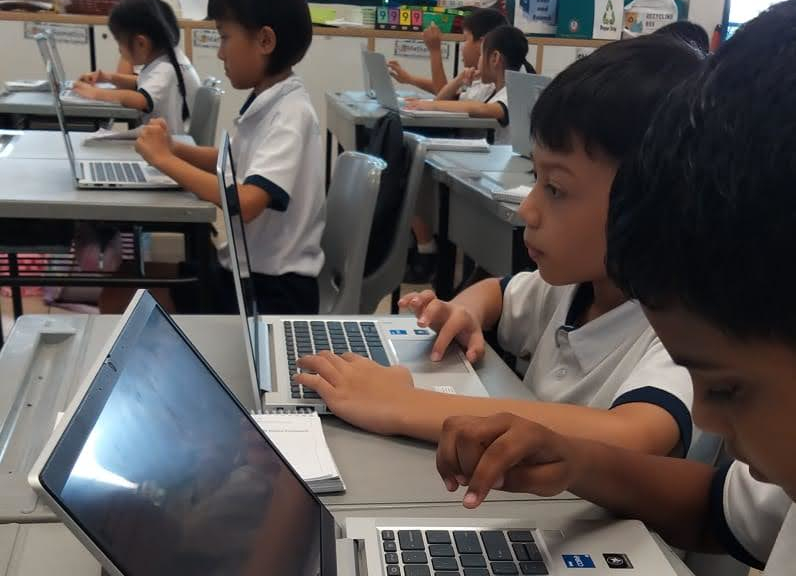
Our Digital Explorers programme introduces Primary 1 to 4 students to technology through hands-on experiences with computers and tablets. Students discover fundamental digital skills whilst exploring how these tools can enhance creativity, communication, and learning. Through engaging activities, they develop digital literacy that empowers them to become self-directed learners who can independently seek information, solve problems, and express ideas using technology. This foundational programme builds curiosity and confidence for lifelong learning in our digital world.
Developing Technology Skills
Primary 1
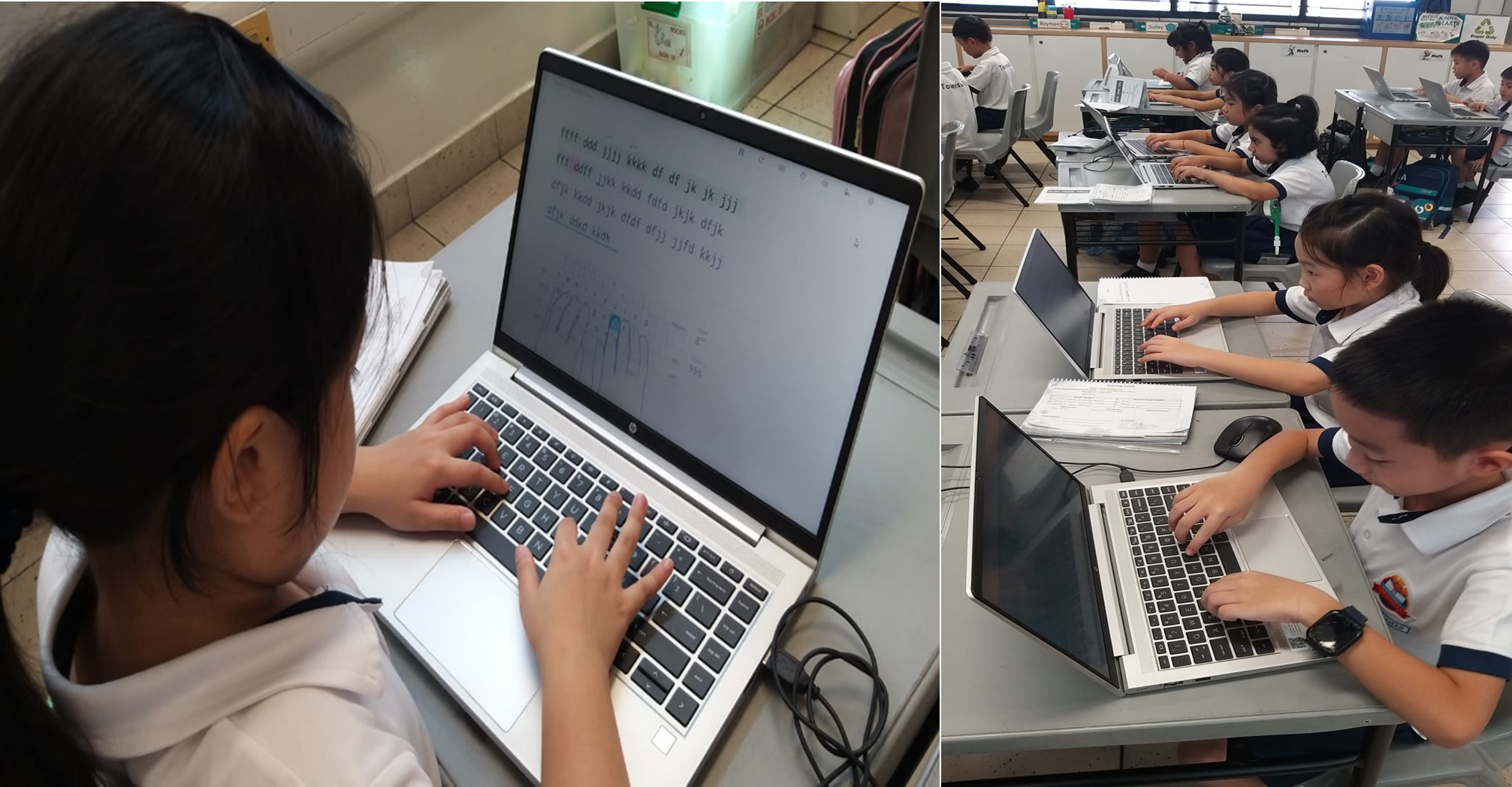
• Logins and passwords
• Student Learning Space
• Touch typing
Students learn the use of these within the context of their English Lessons, applying these skills to complete tasks within their English Curriculum and using these skills in conjunction with their learning of the English Language.
Our Primary 1 students were introduced to essential cybersecurity foundations, learning how to create strong, secure passwords and safely navigate the login process for the Student Learning Space. Additionally, they developed fundamental touch typing skills that will serve as the building blocks for their future digital literacy. These foundational ICT skills ensure our students are well-equipped to engage confidently and safely with technology as they progress through their educational journey.
Primary 2
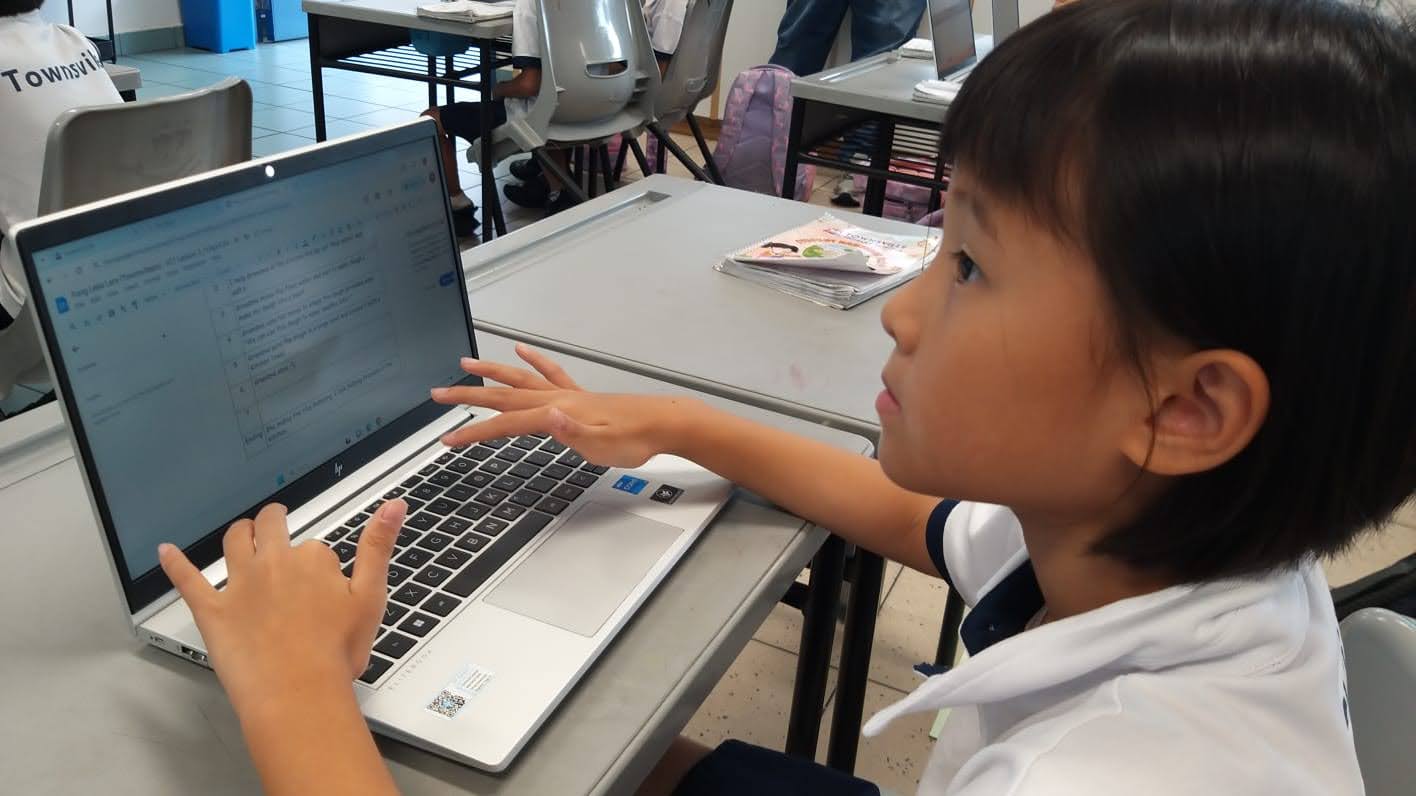
• Google Classroom assignments - Retrieving and submitting assignments
• Google Documents
• Google Slides
Students continue their use of these tools within their English Language learning, utilising the storage capabilities of google drive to store and continually work on their work. At the end of Primary 2 students submit a written work of their own to their teachers via google classroom.
Our Primary 2 students worked on mastering the basics of Google Classroom. They learnt to navigate the platform and use Google Docs to create, edit, and submit assignments on their own. The students were also introduced to Google Slides, where they created short presentations to showcase their English writing. These digital tools helped develop both their technical skills and their ability to communicate and express ideas creatively.
Primary 3
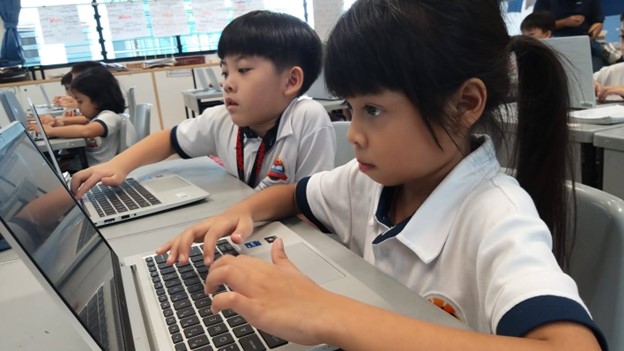
• Google Documents - collaborative aspects, sharing and editing
• Google Slides - collaborative work on presentation slides
• Google classroom
Students at Primary 3 learning new skills and their use within the context of Social Studies, deploying these skills to actively collaborate with each other on presentation slides and using google docs to collaboratively work on scripting. The tasks employed are to encourage students to use technology to work collaboratively, developing their 21st Century Skills as well as technology tools that enable collaborative work remotely. These form the foundation for technology enabled learning.
Students at Primary 3 advanced their collaborative skills by working together on Google Documents and Google Slides. They applied these digital tools to complete a social studies project as a team, learning to share ideas, edit documents collectively, and create presentations together. This collaborative approach not only strengthened their technical proficiency but also developed important teamwork and communication skills essential for their academic growth.